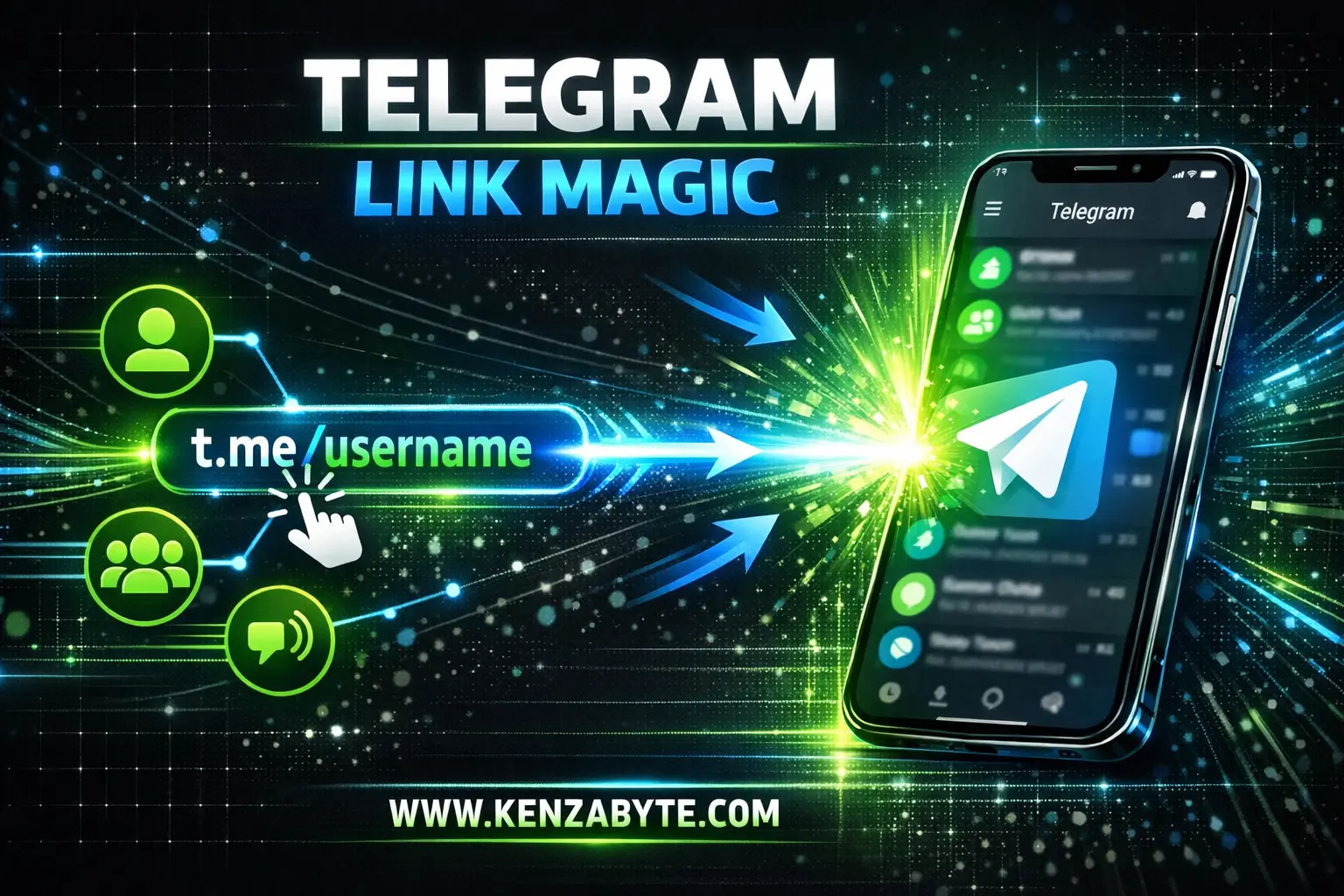
A Telegram t.me link is a short link used to open something directly on Telegram. It is created by Telegram itself and always starts with t.me. These links are made to help people reach Telegram users, groups, channels, or messages quickly without searching.
When someone clicks a t.me link, Telegram opens instantly if the app is installed. If Telegram is not installed, the link opens in a browser and asks the user to continue on Telegram. This makes the experience smooth and simple.
Why Telegram Uses t.me Links ?
Telegram uses t.me links to make sharing easy. Long links are hard to remember and messy to share. A short t.me link is clean, readable, and easy to type.
It removes extra steps. One click is enough to reach the exact place inside Telegram.
Types of Telegram t.me Links
A t.me link can open different things on Telegram depending on how it is set.
1. Telegram User Link
This link opens a direct chat with a person who has a username.
Example: t.me/username
It lets people message someone without knowing their phone number.
2. Telegram Group Link
This link opens a Telegram group.
Public groups use simple names.
Private groups use invite-based t.me links.
Clicking the link shows a join option.
Example: t.me/Telegram
3. Telegram Channel Link
This link opens a Telegram channel.
Users can preview the channel and join if they want.
It is commonly used to share news, updates, or content.
Example: t.me/Telegram
Profile, public group, and channel use the same universal link format as shown above.
4. Telegram Message Link
This link opens a specific message inside a group or channel.
It is useful when someone wants to share one exact post instead of the whole chat.
example: https://t.me/telegram/367
What Happens When You Click a t.me Link?
If Telegram is installed. The app opens directly to the profile, group, channel, or message.
If Telegram is not installed. The link opens in a browser and asks the user to open or install Telegram.
No account details are shared just by clicking the link.
🚨 Learn More About: Why Everyone Is Joining Telegram?
Are t.me Links Safe?
Yes. A t.me link only opens what is already public or allowed by the link owner.
It does not expose phone numbers.
It does not give access to private chats unless invited.
It does not track personal data by itself.
Safety depends on what you choose to join or open.
Why t.me Links Are Easy to Share
t.me links are short and clear. People can instantly recognize that the link belongs to Telegram.
They work on mobile and desktop.
They can be shared anywhere online.
They do not break or expire unless removed.
Conclusion:
A Telegram t.me link is a direct path into Telegram. It helps users open profiles, groups, channels, or messages with one click. No searching, no confusion, no extra steps.
If you understand what a t.me link is, you already understand one of the simplest and most useful parts of Telegram.