Telegram Bot Errors and Fixes: 19 Common Issues & Solutions
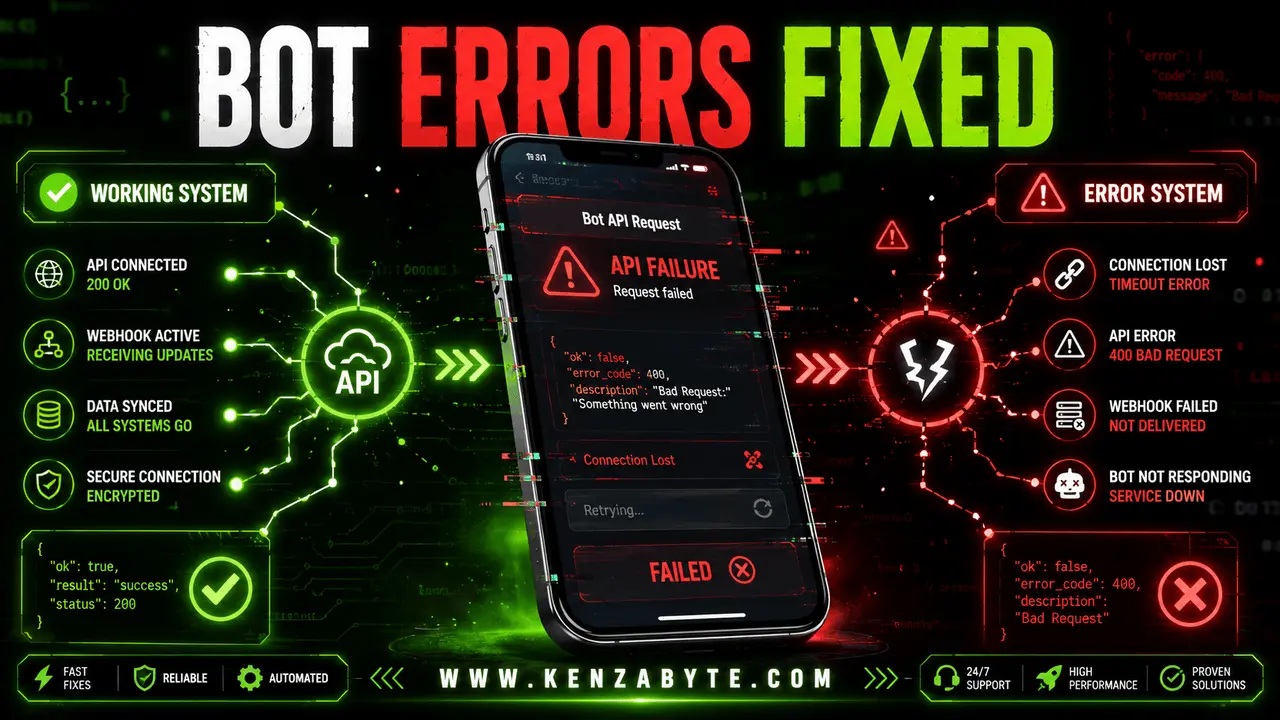
In this blog, you will learn how to fix common Telegram bot errors, why they happen, and how to solve them in simple steps.
Introduction
Telegram bots are widely used for automation, customer support, alerts, and business workflows. But sometimes they stop working or show errors.
These issues usually happen due to:
- API configuration mistakes
- Webhook setup issues
- Server or hosting problems
- Code or request errors
In this guide, you will learn:
- Common Telegram bot errors
- Why they happen
- Easy fixes you can apply
- How to prevent them in the future
If you want a custom solution, our Telegram bot development service helps build stable, scalable bots with proper error handling and automation setup.
19 common Telegram bot errors:
- Telegram Bot Not Responding
- Invalid Bot Token Error
- Webhook Not Working
- Messages Not Sending
- API Request Failed
- Bot Works Locally but Not Online
- Rate Limit Exceeded Error
- Database Connection Issue
- Bot Command Not Working
- Webhook Timeout Error
- SSL Certificate Error
- Unauthorized Error (401)
- Forbidden Error (403)
- Chat Not Found Error
- Too Many Requests Error
- JSON Parse Error
- Bot Not Receiving Updates
- Deployment Error
- Unexpected Bot Crash
1. Telegram Bot Not Responding
Why it happens
- Wrong bot token
- The server is down
- Webhook not set properly
- API request failure
How to fix
- Check the token from BotFather
- Restart the backend server
- Reconnect webhook
- Test the API manually
2. Invalid Bot Token Error
This error appears when Telegram cannot verify your bot because the token is incorrect or not properly formatted. It usually happens when the token is copied wrongly, contains extra spaces, or has been regenerated from BotFather. To fix it, copy the token again carefully, make sure there are no spaces before or after it, and if needed, generate a new token from BotFather and update it in your code.
Why it happens
- Wrong token copied
- Extra spaces in token
- Token regenerated
How to fix
- Copy the token again carefully
- Remove spaces
- Generate a new token
3. Webhook Not Working
Webhook is a key part of Telegram bot automation because it sends real-time updates from Telegram to your server. When it stops working, your bot cannot receive new events or messages properly. This usually happens due to incorrect URL setup, missing HTTPS, or server connectivity issues.
Why it happens
- Wrong webhook URL
- No HTTPS
- Server not reachable
How to fix
- Use HTTPS only
- Check server status
- Reset webhook using API
4. Messages Not Sending
When a Telegram bot runs but messages are not delivered, it means the request is failing between your backend and Telegram API. This can happen due to wrong chat IDs, missing permissions, or API limits. Fixing these issues ensures your bot can send messages smoothly again.
Why it happens
- Wrong chat ID
- Missing permissions
- Rate limits reached
How to fix
- Verify chat ID
- Check bot permissions
- Add delay between messages
5. API Request Failed
This error appears when Telegram cannot process the request sent from your system. It usually happens due to incorrect API formatting, server timeout, or invalid endpoints. Understanding the request structure helps you quickly identify and fix the issue.
Why it happens
- Wrong API endpoint
- Bad request format
- Server timeout
How to fix
- Fix API URL
- Validate JSON format
- Increase timeout
6. Bot Works Locally but Not Online
This issue happens when your bot works on your local machine but fails on a live server. It is usually caused by webhook not pointing to the live URL, firewall restrictions, or improper deployment setup. Fixing hosting configuration solves this problem.
Why it happens
- Local server not exposed
- Wrong webhook URL
- Firewall blocking requests
How to fix
- Deploy on live server
- Update webhook URL
- Allow external traffic
7. Rate Limit Exceeded Error
Telegram applies limits on how many requests your bot can send in a short time. When this limit is exceeded, messages may stop temporarily. This usually happens due to loops or high-frequency message sending in your bot logic.
Why it happens
- Too many messages sent
- Loop errors in code
How to fix
- Add delay between requests
- Use queue system
- Optimize bot logic
8. Database Connection Issue
Sometimes the bot itself works fine, but data is not saved or retrieved properly. This happens when the database connection fails due to incorrect credentials, server downtime, or network issues.
Why it happens
- Database server down
- Wrong credentials
- Connection timeout
How to fix
- Restart database
- Check credentials
- Test DB connection
9. Bot Command Not Working
Preventing Telegram bot errors is easier than fixing them later. A well-structured system with proper logging, token validation, and webhook monitoring can reduce most common issues before they happen.
Why it happens
- Command not registered
- Wrong syntax
- Missing handler in code
How to fix
- Register command properly
- Check command spelling
- Add handler function
10. Webhook Timeout Error
Webhook timeout errors happen when your server takes too long to respond to Telegram’s request. This usually indicates slow backend processing or heavy logic running during the webhook call. As a result, Telegram stops waiting and marks the request as failed.
Why it happens
- Slow server response
- Heavy backend logic
How to fix
- Optimize backend code
- Increase server speed
- Reduce processing time
11. SSL Certificate Error
SSL certificate errors occur when your webhook URL is not secured properly with a valid HTTPS certificate. If the certificate is expired, invalid, or self-signed, Telegram will reject the connection for security reasons.
Why it happens
- Invalid HTTPS certificate
- Expired SSL
How to fix
- Install valid SSL
- Renew certificate
- Use trusted hosting
12. Unauthorized Error (401)
A 401 Unauthorized error happens when Telegram cannot verify your bot’s identity. This is usually caused by an invalid or outdated bot token, or when access has been revoked from BotFather
Why it happens
- Invalid token
- Revoked bot access
How to fix
- Generate new token
- Update API credentials
13. Forbidden Error (403)
A 403 Forbidden error means Telegram understands the request but refuses to execute it. This often happens when the bot is blocked by a user or does not have permission in a group or channel.
Why it happens
- Bot blocked by user
- No permission in group
How to fix
- Ask user to start bot
- Add bot as admin in group
14. Chat Not Found Error
This error occurs when Telegram cannot find the chat ID provided in the request. It usually happens if the chat ID is incorrect or the user has never started a conversation with the bot.
Why it happens
- Wrong chat ID
- User never interacted with bot
How to fix
- Get correct chat ID
- Ask user to send message first
15. Too Many Requests Error
This error appears when your bot sends too many API requests in a short time. Telegram applies rate limits to prevent spam and server overload, so excessive requests trigger temporary blocking.
Why it happens
- API spam requests
- No rate control
How to fix
- Add delay system
- Use request queue
16. JSON Parse Error
JSON parse errors happen when the data sent to Telegram is not properly formatted. Missing brackets, incorrect quotes, or broken structure can cause the API to reject the request.
Why it happens
- Wrong JSON format
- Missing brackets or quotes
How to fix
- Validate JSON structure
- Use JSON formatter tools
17. Bot Not Receiving Updates
This issue happens when Telegram is not sending updates to your bot. It usually occurs due to inactive webhooks or when polling mode is not enabled correctly in your system.
Why it happens
- Webhook not active
- Polling not enabled
How to fix
- Set webhook again
- Enable polling mode if needed
18. Deployment Error
Deployment errors occur when your bot is not properly configured on a live server. Missing environment variables, incorrect build setup, or server misconfiguration are the most common reasons.
Why it happens
- Server not configured
- Missing environment variables
How to fix
- Check deployment setup
- Add missing env variables
19. Unexpected Bot Crash
Unexpected bot crashes happen when your application does not handle errors properly or when the server is overloaded. Without proper error handling, even small issues can stop the entire bot.
Why it happens
- Unhandled errors in code
- Server overload
How to fix
- Add error handling
- Use logs
- Monitor server health
Conclusion
Telegram bot errors are common, especially in new setups. Most issues come from token mistakes, webhook misconfiguration, or server problems.
If you follow proper setup and monitoring, your bot will stay stable and work smoothly.

Arabella Montrose
I have over 8 years of experience in content writing, specializing in Telegram automation, user-friendly tools, and social media marketing services. I work closely with the Kenza Byte team to ensure every article I write is accurate, clear, and genuinely helpful for users and businesses focused on digital growth.