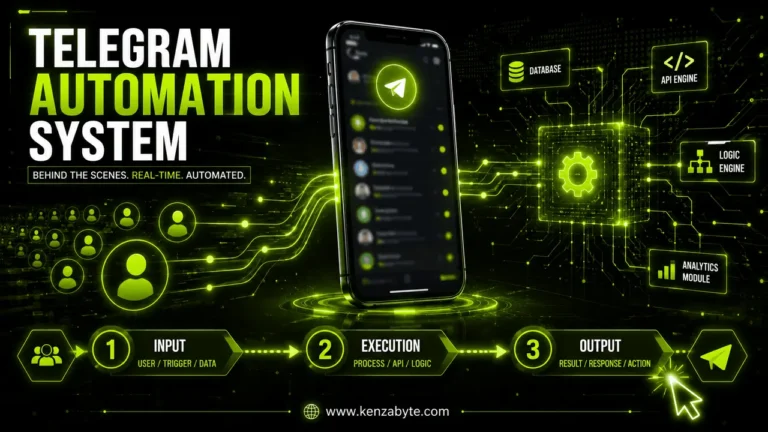
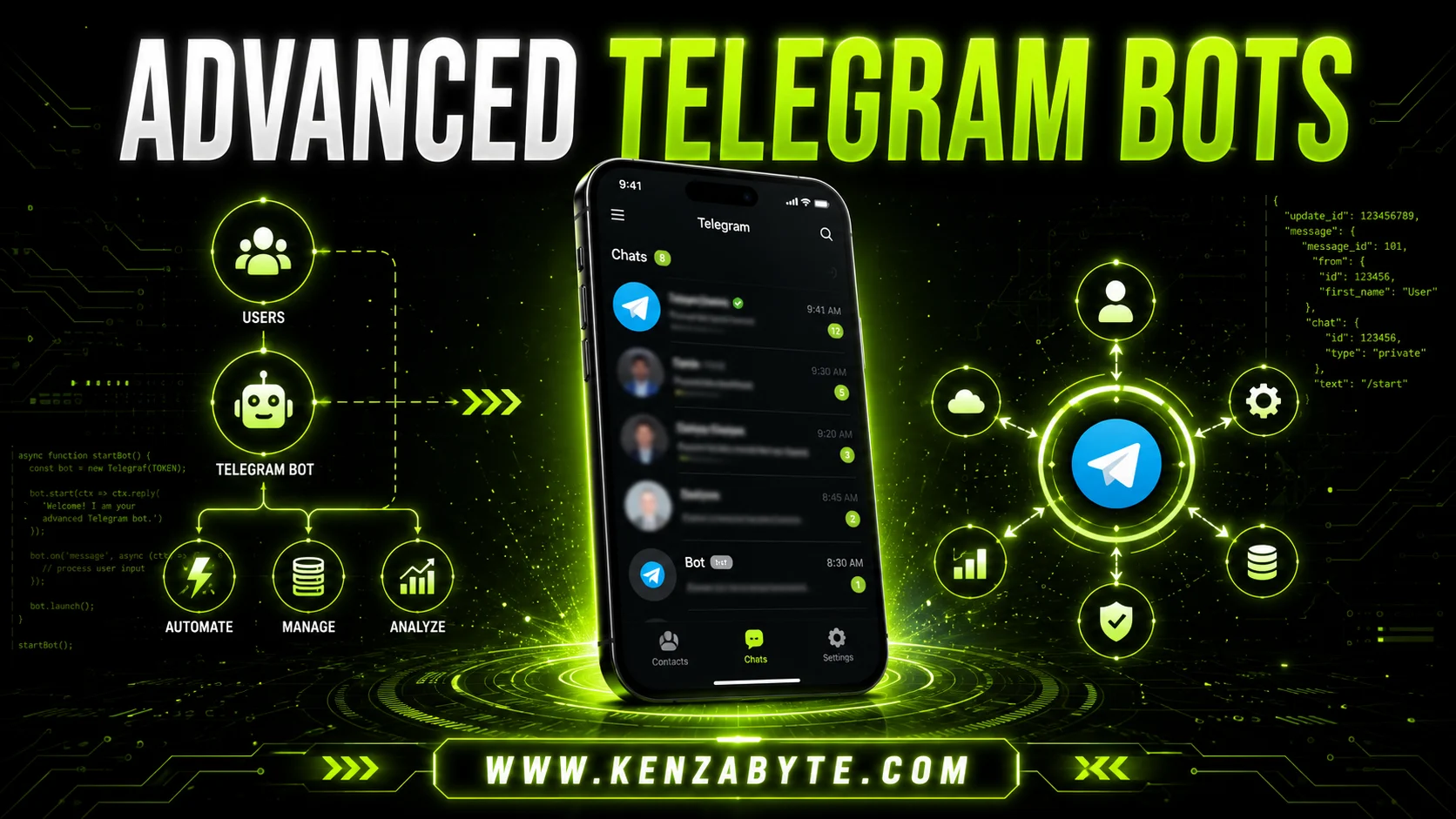
Advanced Guide: How to Build a Telegram Bot Like a Pro
In this blog, you’ll learn how to build a Telegram bot that goes beyond basic messaging. This guide focuses on advanced automation, integrations, and custom features for users who want professional-grade bots.
Why Advanced Bots Matter
Most Telegram bots handle simple tasks like sending messages or running polls. Advanced bots can:
- Automate workflows for businesses or communities
- Integrate with APIs and external apps
- Handle complex commands and user interactions
- Manage multiple groups or channels seamlessly
Advanced bots save time, increase engagement, and can even provide analytics for decision-making.
Planning Your Advanced Telegram Bot
Before coding, plan your bot carefully in 3 steps:
1. Define the bot’s purpose:
- What problem will it solve?
- Who will use it?
- Is it for personal use, business, or community automation?
- What long-term goal should the bot achieve (support, marketing, automation, engagement)?
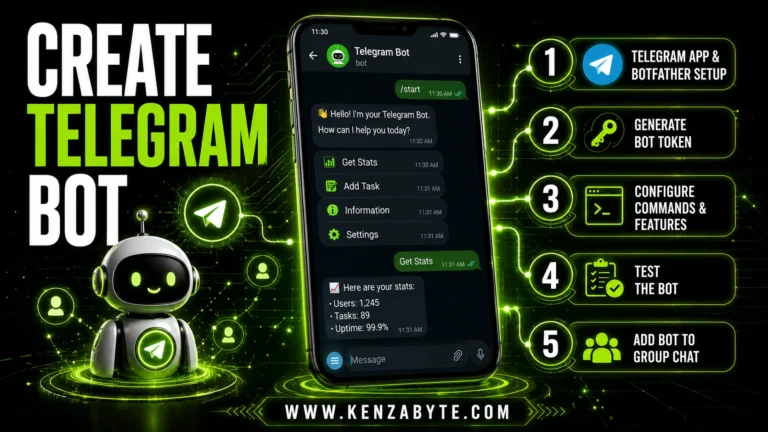
Tip for beginners: If you’re new to Telegram bots, you can start with a beginner-friendly BotFather guide to create your first bot safely. This helps you get a bot token and basic setup before diving into advanced features below.
2. List advanced features:
- Automated notifications with scheduling
- Inline buttons for interactive menus
- Integration with CRMs, Google Sheets, or other APIs
- Multi-language support for global users
- User role system (admin, moderator, user levels)
- Data collection forms (lead generation, surveys, feedback)
- Auto-replies based on keywords or triggers
- File and media automation (send PDFs, images, reports)
- Analytics tracking (user activity, engagement stats)
3. Security planning:
- Who can access commands? (admins, users, or both)
- What actions should be restricted (delete, broadcast, settings)?
- How to protect tokens and user data?
- Will you store user data in a database or external service?
- How will you prevent spam or bot abuse?
- Do you need rate limits for commands to avoid overload?
- How will you handle permission changes over time?
Leveraging Telegram Bot API for Advanced Functions
The Telegram Bot API is essential for advanced development. Key features.
1. Custom Commands
- Create commands that trigger unique functions.
- Support multiple arguments for dynamic inputs.
- Implement contextual commands based on user role or chat.
- Use command aliases for convenience.
2. Inline Keyboards
- Let users interact without typing.
- Create multi-level menus for navigation.
- Trigger callback queries to process data instantly.
- Use inline URLs to redirect users to web pages or forms.
3. Webhooks
- Automate real-time interactions without constant polling.
- Secure webhook URLs using HTTPS and secret tokens.
- Integrate with third-party services like CRMs or Google Sheets.
4. File Handling
- Manage images, documents, and media efficiently.
- Validate file size and format before processing.
- Send rich media like photos, videos, audio, and documents.
5. JSON Payloads
- Combine media, text, and buttons in a single message.
- Structure messages dynamically based on user input or external data.
- Track user interactions for analytics and personalization.
6. Advanced Features
- Polls and quizzes for engagement.
- Inline queries to fetch live results or suggestions.
- Location-based interactions using Telegram’s location API.
- Payment processing inside Telegram.
- Scheduling and reminders with custom triggers.
Pro Tip: Use JSON payloads for flexible messaging and command handling.
Token Management & Permission Control
Every advanced bot requires careful token and permission management:
1. Secure Storage
- Store your bot token securely (never in public repos).
- Use encrypted storage for sensitive data.
- Avoid hardcoding tokens in your scripts.
2. Environment Variables
- Use environment variables for hosting.
- Separate dev, staging, and production tokens.
- Ensure variables are loaded securely on the server.
3. Permission Settings
- Assign minimal permissions for groups or channels.
- Limit admin rights to trusted users only.
- Control command access based on user roles.
4. Token Rotation
- Rotate tokens periodically for security.
- Update tokens in all integrations when rotated.
- Monitor token usage to detect abuse.
Proper token management prevents abuse and ensures your bot runs safely.
Advanced Testing & Debugging Strategies
Testing advanced bots requires more than sending commands:
1. Simulated Users
- Simulate multiple users interacting at once.
- Test concurrent actions to check bot stability.
- Observe how the bot handles simultaneous requests.
2. Edge Case Testing
- Test commands under edge cases and invalid inputs.
- Check how the bot responds to unexpected messages.
- Ensure graceful error handling to avoid crashes.
3. Integration Testing
- Check integration with external apps (APIs, databases).
- Verify that data flows correctly between systems.
- Monitor response times and error rates for external calls.
4. Error Logging & Alerts
- Log all errors for review and debugging.
- Use automated alerts for critical failures.
- Maintain a testing log to track recurring issues.
Pro Tip: Use a staging server for testing before going live.
Deployment & Scaling Your Advanced Bot
Once tested, deploy your bot carefully:
1. Cloud Hosting
- Host on cloud services like AWS, Google Cloud, or Heroku for 24/7 uptime.
- Ensure reliable server availability to avoid downtime.
2. Database Setup
- Use a database (MySQL, PostgreSQL, or MongoDB) to store data.
- Keep bot data organized for fast retrieval and analytics.
3. Performance Monitoring
- Monitor performance and user interaction.
- Track bot usage, response times, and errors.
4. Gradual Feature Expansion
- Add features gradually as your audience grows.
- Test each new feature to ensure stability under load.
Pro Tip: Proper scaling ensures your bot can handle high traffic without failure.
Tools, Libraries, and Resources for Advanced Bots
Programming libraries:
- Python:
python-telegram-bot - Node.js:
node-telegram-bot-api - Java:
telegrambots
Useful resources:
- Telegram Bot API documentation for updates
- Bot lists for inspiration
- Automation tools (Zapier, Integromat) for integration
Learn Advanced Telegram Bot Development Without Programming
Even if you don’t have coding experience, you can still understand and work with Telegram bots. Our Telegram Bot Development Guide explains how to build custom bots, automate tasks, connect them with other tools, and manage multiple groups or users.
It focuses on clear examples and step-by-step workflows, so you can explore advanced bot functionality in a hands-on, approachable way without needing technical expertise.
FAQs About Advanced Telegram Bots
Can advanced bots operate without hosting?
Basic features like responding to commands can work locally, but advanced bots with automation, real-time interactions, or large-scale usage require cloud hosting. Using cloud platforms ensures 24/7 uptime, smooth handling of multiple users, and reliable integration with APIs.
Do I need coding experience to build advanced Telegram Bots?
Yes, for advanced features such as custom commands, API integrations, webhooks, and database connectivity. While beginners can start with BotFather for basic bots, programming knowledge is essential for professional-grade automation and custom workflows.
How do I secure my Telegram bot token?
Store the token in environment variables or encrypted storage. Never share it publicly or commit it to repositories. Rotate tokens periodically and restrict permissions to minimize security risks. This protects your bot from unauthorized control or data leaks.
Can one Telegram bot manage multiple groups and channels?
Yes, advanced bots can operate across multiple groups or channels. Proper permissions and role management are crucial, and you may need to design logic that handles group-specific commands or data separately to prevent conflicts.
What’s the best way to debug complex bots?
Use comprehensive logging, staging environments, and automated test scripts. Simulate multiple users, edge cases, and API failures to identify potential issues before going live. Regular monitoring and alert systems help catch errors in production.
Can advanced bots handle payments or user data?
Yes, Telegram supports payment processing and user data handling via bots. Always follow security best practices, encrypt sensitive data, and comply with privacy regulations to protect both your bot and your users.
Conclusion: Experiment, Improve, and Scale
Advanced Telegram bots can significantly enhance automation, user engagement, and group management. Begin with core functionalities, test thoroughly in controlled environments, and expand features gradually as your bot matures.

Arabella Montrose
I have over 8 years of experience in content writing, specializing in Telegram automation, user-friendly tools, and social media marketing services. I work closely with the Kenza Byte team to ensure every article I write is accurate, clear, and genuinely helpful for users and businesses focused on digital growth.