
How Session Management Works in Telegram Automation (Post-Creation Systems)
This article explains how session management operates after Telegram account creation. It focuses on system behavior, lifecycle handling, storage design, failure conditions, and reliability constraints. The goal is to define how sessions enable continuous access and how they are managed in automation environments without relying on repeated authentication.
What Happens After Account Creation?
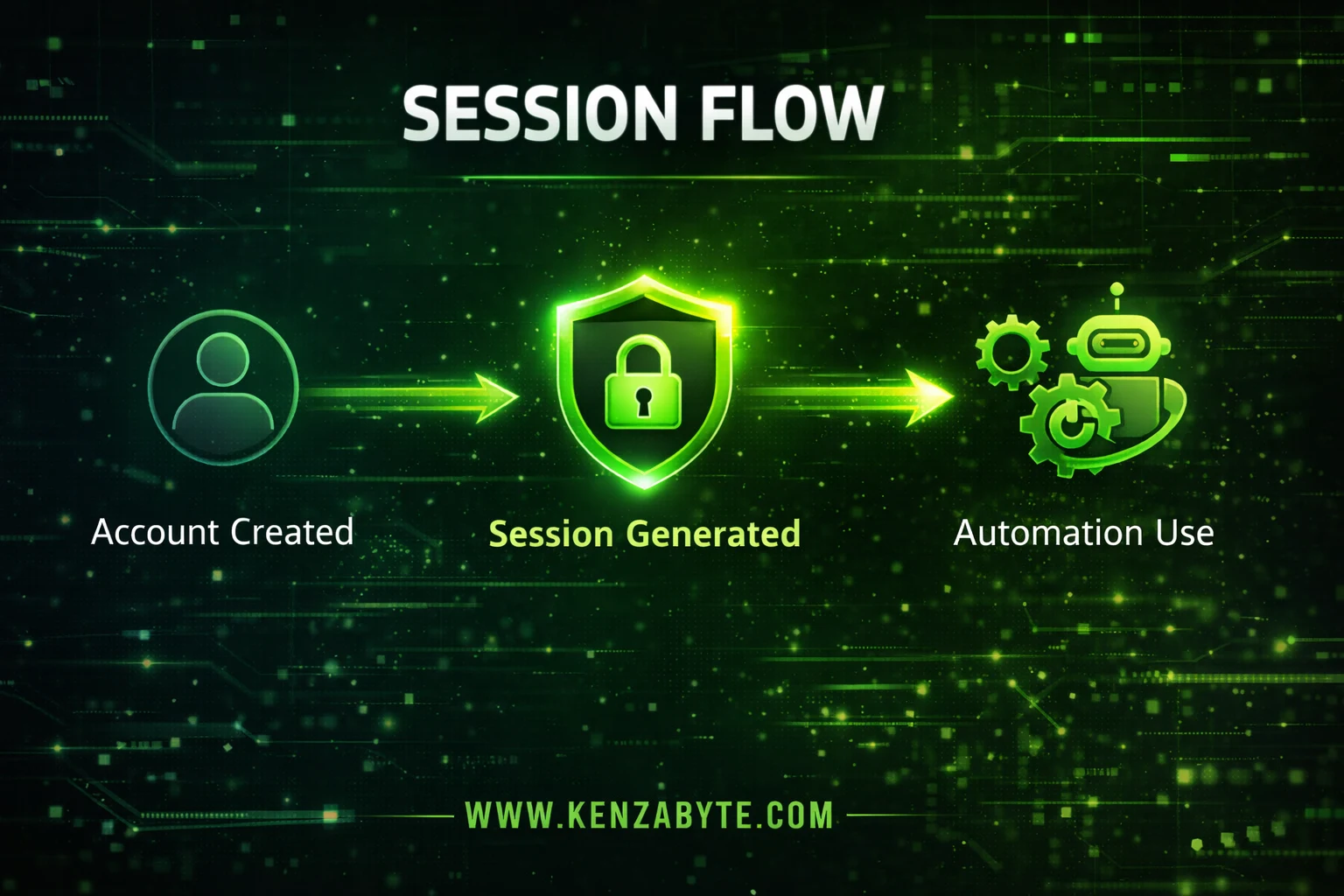
Account creation produces a valid identity, but it does not provide reusable access by itself.
Automation systems require a persistent access layer that can be loaded, reused, and controlled without restarting authentication flows.
Session management exists to convert a newly created account into a reusable system resource.
Session management operates within a Telegram account creator system where account creation, session extraction, and access continuity are handled as a single connected workflow.
What Does Session Management Actually Do?
Session management is not about creating accounts. It is responsible for:
- capturing access state after login
- preserving that state in a reusable form
- loading it into execution environments
- maintaining continuity across operations
From a system perspective, sessions function as access carriers, not identity definitions.
How Is a Session Generated After Account Creation?
Once an account becomes active, the system extracts the live connection state and stabilizes it into a reusable unit.
Core behavior:
- active connection is inspected
- required access parameters are isolated
- session is materialized into a system-compatible form
This step is mandatory. Without it, the account remains tied to a one-time login context and cannot be reused programmatically.
What Is the Lifecycle of a Session?
Session management follows a predictable lifecycle. Each phase must be handled explicitly.
1. Initialization
Session is derived from an active authenticated instance.
2. Persistence
Session is stored in a structured system (file, database, or memory layer).
3. Loading
Automation processes retrieve and activate the session.
4. Execution
Session is used to perform operations without re-authentication.
5. Validation
System checks whether the session is still accepted by the server.
6. Invalidation
Session becomes unusable due to expiry, security triggers, or environment changes.
Lifecycle control determines whether automation remains stable or repeatedly breaks.
How Should Sessions Be Stored in Automation Systems?
Session storage is a system design problem, not a format choice.
Different storage formats operate at separate layers. For a detailed breakdown of desktop storage versus API-level session formats, see Telegram Session Strings vs Telegram TData.
Effective storage systems enforce:
- deterministic mapping → each session linked to a single account
- metadata association → status, timestamps, environment markers
- fast retrieval → minimal latency during load operations
- segmentation → isolation between sessions to prevent cross-impact
Poor storage design leads to:
- orphaned sessions
- mismatched account mappings
- inconsistent execution behavior
Storage defines whether sessions remain usable over time.
How Are Sessions Used During Execution?
During runtime, session handling follows a strict pattern:
load → validate → execute → release or persist
Key characteristics:
- no authentication step during execution
- session acts as the only access authority
- repeated operations depend entirely on session stability
This model allows automation systems to scale without increasing login overhead.
The way sessions are executed and reused differs across implementations. For system-level differences in how libraries handle session persistence and reuse, see Telegram Session Files: Telethon vs Pyrogram Differences.
Why Do Sessions Fail?
Session failure is not random. It follows identifiable patterns.
1. Environment Drift
Changes in IP, device signature, or runtime context can invalidate access.
2. Server-Side Enforcement
The platform may revoke sessions due to security rules or abnormal activity.
3. State Corruption
Improper storage or partial writes can break session integrity.
4. Dependency Mismatch
Using a session in an incompatible runtime or system layer results in failure.
Failures must be treated as expected system events, not exceptions.
What Constraints Affect Session Systems?
Session systems operate under strict constraints:
- bound to API credentials used during creation
- sensitive to execution environment changes
- require consistent handling across lifecycle stages
- cannot be partially reconstructed if corrupted
Ignoring these constraints results in unstable automation behavior.
How Should Session Systems Be Managed Reliably?
Reliable systems apply control mechanisms instead of ad-hoc usage.
Core strategies:
- validation before execution to detect dead sessions early
- status tracking to avoid reuse of invalid sessions
- controlled regeneration when sessions fail
- separation of concerns between storage, execution, and monitoring
Session management must be treated as its own subsystem, not a side effect of account creation.
Conclusion
Session management determines whether accounts remain usable after creation.
It requires:
- immediate extraction after login
- controlled lifecycle handling
- structured storage systems
- continuous validation and failure handling
Accounts provide access once.
Session systems sustain access over time.

Arabella Montrose
I have over 8 years of experience in content writing, specializing in Telegram automation, user-friendly tools, and social media marketing services. I work closely with the Kenza Byte team to ensure every article I write is accurate, clear, and genuinely helpful for users and businesses focused on digital growth.